> ## Documentation Index
> Fetch the complete documentation index at: https://superwhisper-docs-cloud-model-rate-limits.mintlify.site/llms.txt
> Use this file to discover all available pages before exploring further.
# Meeting
> Meeting mode records audio from your meetings and transcribes it into a clear summary with action items, helping you capture key points and next steps.
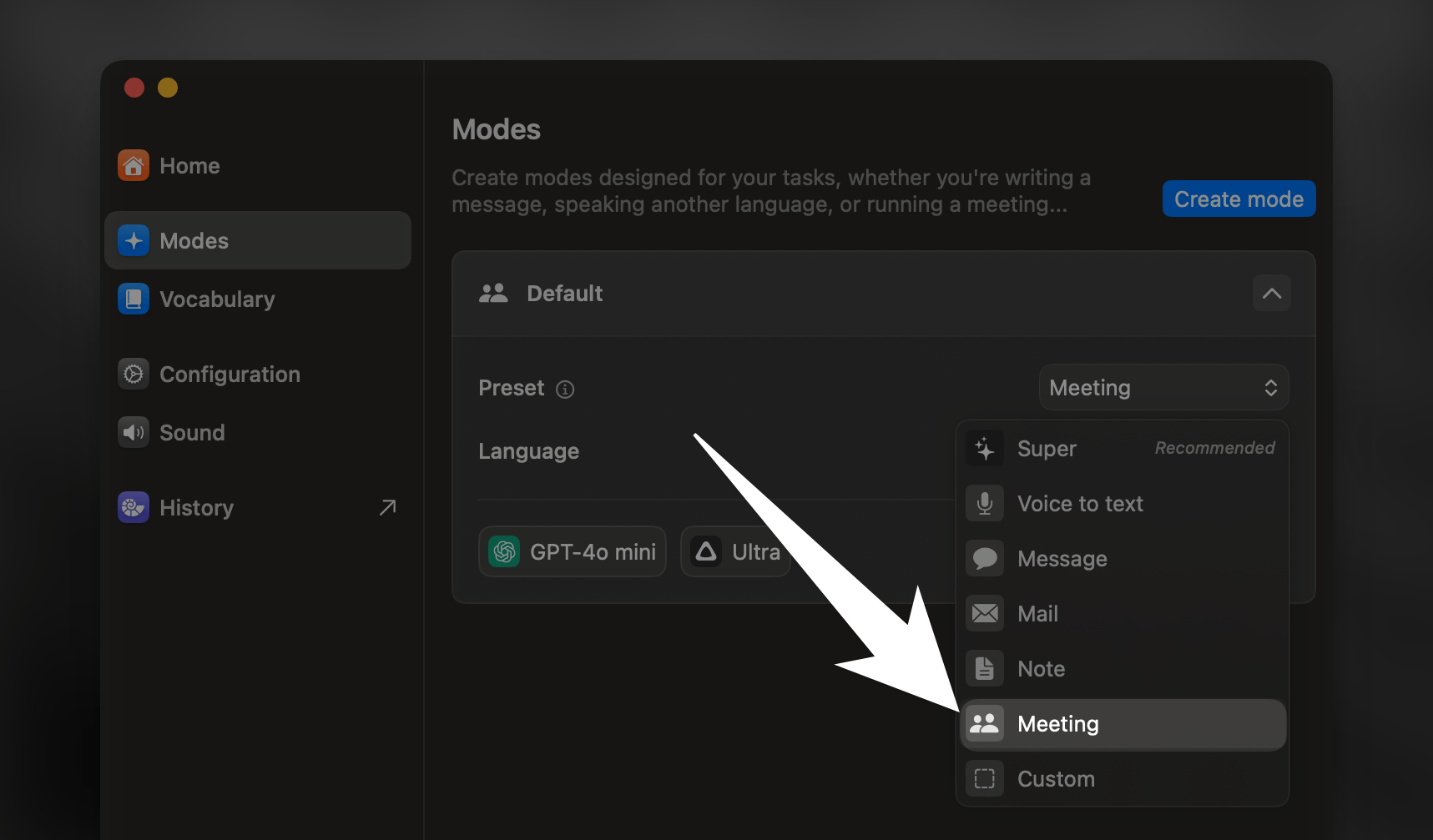 ## Key Features
**Meeting Mode helps you get the most out of your meetings by:**
* Converting spoken discussions into structured summaries
* Highlighting key decisions and action items
* Preserving important context while removing redundant content
Ideal for team meetings, client calls, and any conversation you need to review or follow up on.
## Speaker Separation
By default, Meeting Mode does not separate speakers in the transcript. You can enable speaker separation in the [Advanced Settings sidebar](modes#advanced-settings). Please note that speaker labels will be visible in the [segments view only](../get-started/interface-history#speaker-separation) and are not included in AI-generated summaries or action items.
***
## Advanced Tip
Want to have AI process transcripts with speakers separation? Learn how to use a Voice Mode in conjunction with a Custom Mode for advanced speaker recognition and processing.
## Key Features
**Meeting Mode helps you get the most out of your meetings by:**
* Converting spoken discussions into structured summaries
* Highlighting key decisions and action items
* Preserving important context while removing redundant content
Ideal for team meetings, client calls, and any conversation you need to review or follow up on.
## Speaker Separation
By default, Meeting Mode does not separate speakers in the transcript. You can enable speaker separation in the [Advanced Settings sidebar](modes#advanced-settings). Please note that speaker labels will be visible in the [segments view only](../get-started/interface-history#speaker-separation) and are not included in AI-generated summaries or action items.
***
## Advanced Tip
Want to have AI process transcripts with speakers separation? Learn how to use a Voice Mode in conjunction with a Custom Mode for advanced speaker recognition and processing.